Cherry Studio
Cherry Studio is a powerful desktop AI client designed for professional users, integrating 30+ industry-specific intelligent assistants.
- Official Website: https://cherry-ai.com
- Download Address: https://cherry-ai.com/download
- Official Documentation: https://docs.cherry-ai.com
AutoRouter Integration Method
Parameter Configuration
Provider Type: AutoRouter supported types API Key: Obtained from AutoRouter API Address: AutoRouter site address
Visual Guide
-
Copy API key in AutoRouter

-
Add Provider
Launch Cherry Studio and click the Settings icon (gear shape) in the bottom-left or top-right corner.
Navigate to the “Model Providers” Section
In the settings sidebar, find and click Model Providers or API Management.
Click the Add Provider button.
Choose a preset provider from the dropdown list (e.g., OpenAI, Anthropic, Google, Azure, Groq, etc.). If your provider is not listed, select Custom (OpenAI-compatible).
Depending on the type, fill in the following information:
- Provider Name: Any recognizable name, e.g., “AutoRouter”.
- API Key: A valid key obtained from Step 1.
- API Base URL (optional): If using a proxy or non-official endpoint, fill in the full address (e.g.,
https://api.autorouter.top/v1or a custom proxy). If left blank, the default will be used. - Notes (optional): For additional information.
- Add Models On the same provider configuration page, locate the Model List or Manage Models area.
There are two ways to add models:
- Auto-fetch: Click the Fetch Models button; Cherry Studio will attempt to retrieve the list of available models from the provider’s API. This may not work with some custom endpoints.
- Manual addition: Click the Add Model button and manually enter the model ID (e.g.,
gpt-4o,claude-3-opus-20240229,gemini-1.5-pro, etc.). You may also set advanced options like context length or default temperature.
After adding models, click Save or Confirm. Make sure the toggle switch next to the provider is set to Enabled.
4. Return to Chat Page
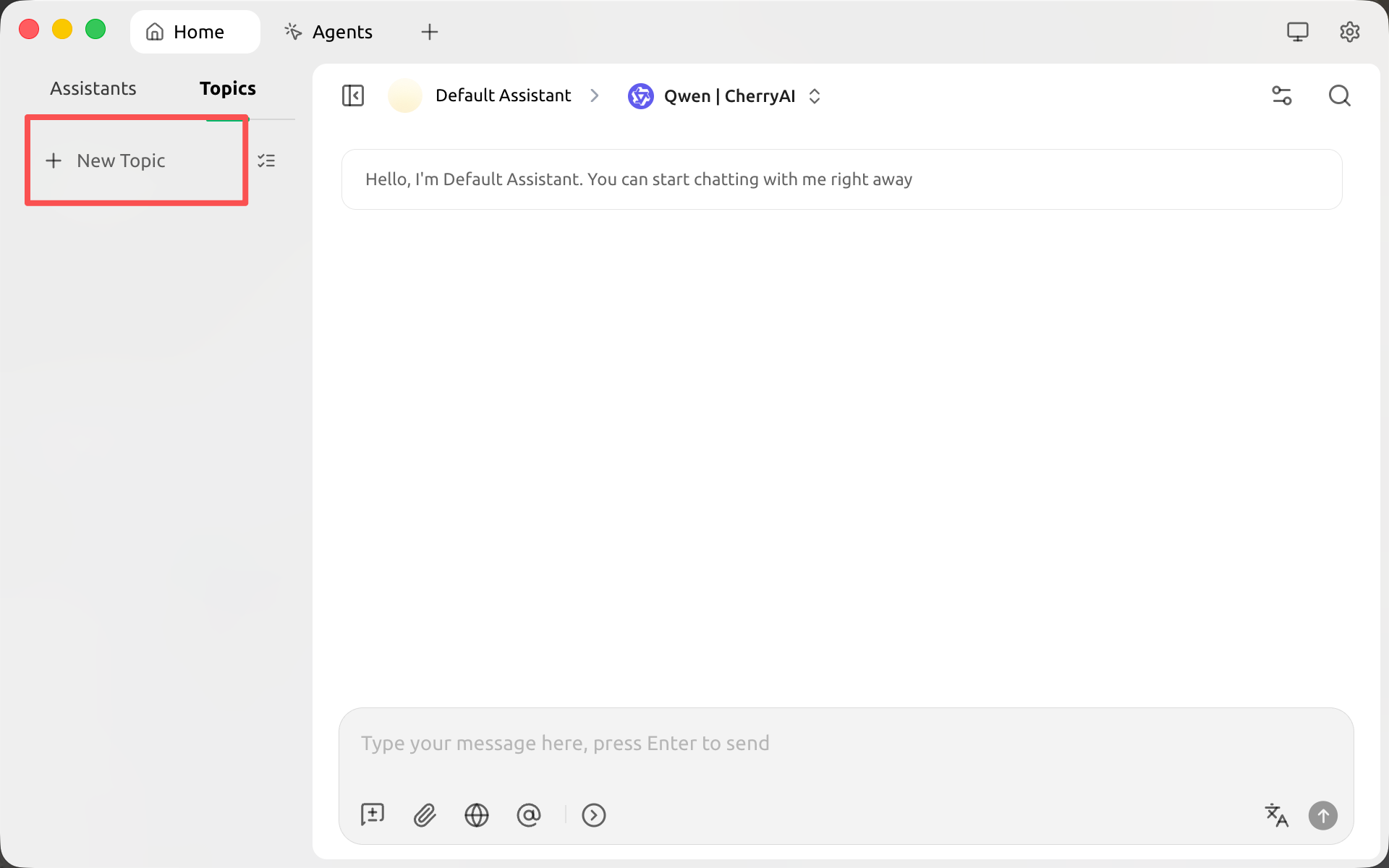
- Switch AutoRouter Model
CC Switch
CC Switch is an open-source, cross-platform all-in-one AI CLI management tool for Claude Code, Codex and Gemini CLI.
Claude Code
Unleash Claude's raw power directly in your terminal. Search million-line codebases instantly. Turn hours-long workflows into a single command. Your tools. Your workflow. Your codebase, evolving at thought speed.